 ENEnglish
 VITiếng Việt
 ZH中文
ZH中文 KO한국어
KO한국어 JA日本語
JA日本語 FRFrançais
 ITItaliano
 PTPortuguês
 ESEspañol
 HEעברית
 ARالعربية
 online
Warranty lookup
Project, handover date, elements covered and warranty periods – see warranty lookup.
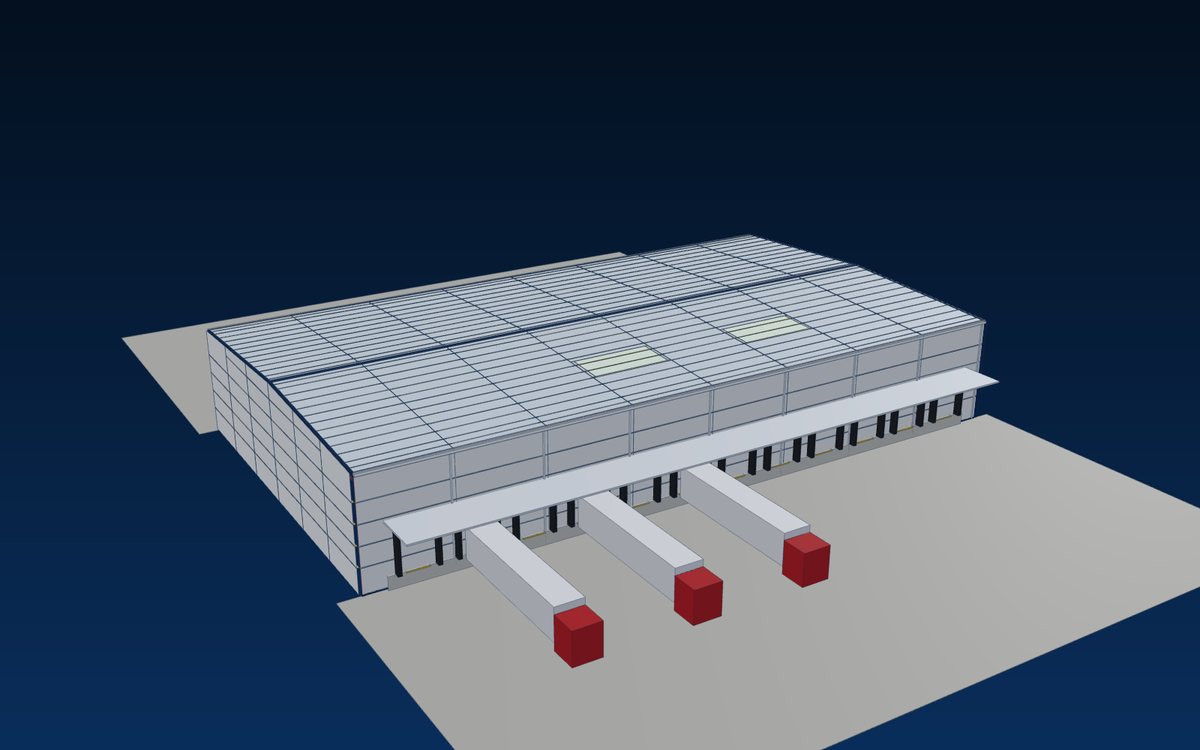
Service · After-sales & warranty
Every World Steel project keeps its as-built drawings, 3D model and quality dossier on file. Owners can check their warranty online, report an issue to our after-sales team and order spare members or an extension fabricated from the same model – years after handover.
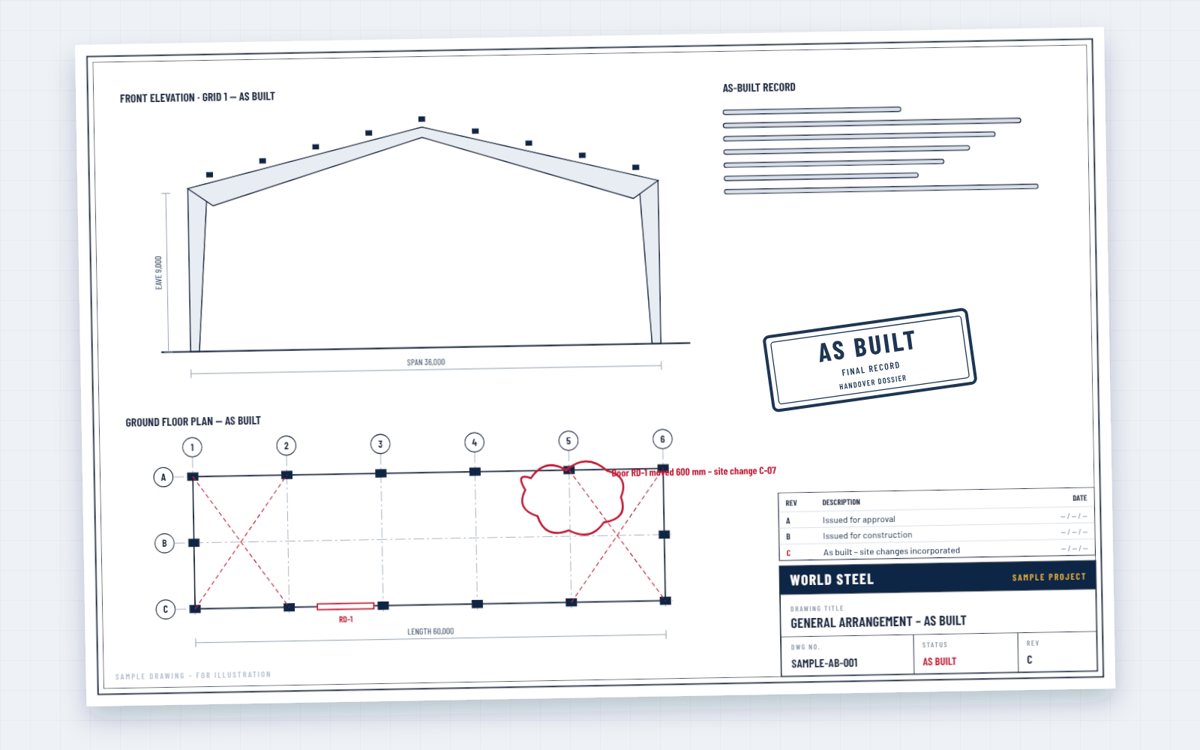
A steel building works for decades. Questions come up – a new opening, an added crane, a damaged member, a coating that needs maintenance, an extension. Because we keep the as-built drawings, the 3D model and the quality dossier of every project, those questions are answered from the records, not from guesswork.
The warranty for each element – structure, coating, sheeting, accessories – is the one stated in your contract. You can check it online at any time and contact our after-sales team when you need support.
After-sales services
What we offer after handover – the scope and any charges follow your contract.
online
Project, handover date, elements covered and warranty periods – see warranty lookup.
 after-sales team
Describe the issue with photos; we assess it against the records and agree the remedy with you.
 drawings · model
The final drawings and model of your structure – see as-built drawings.
 coating · bolts · roof
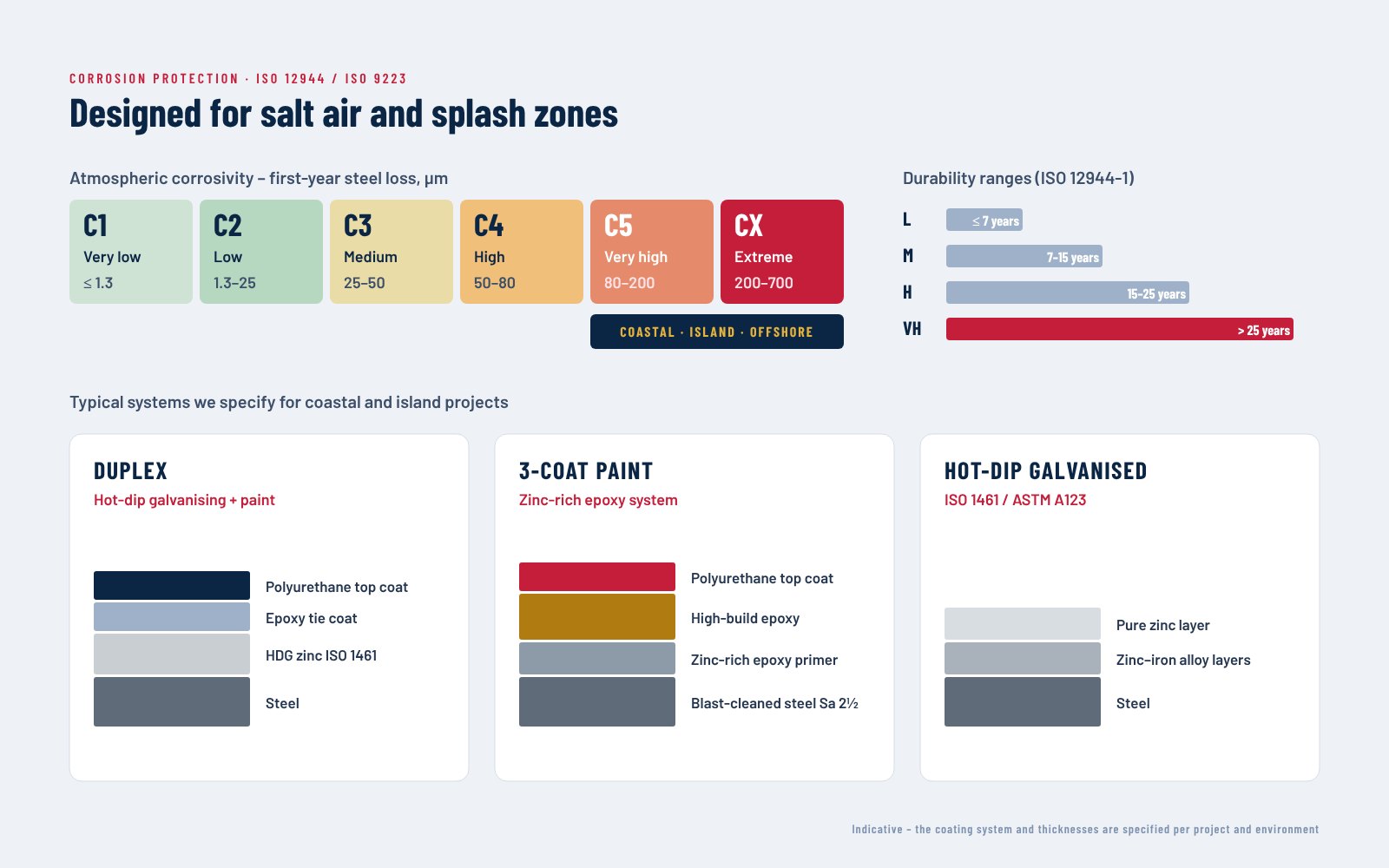
Inspection and maintenance advice for the coating system, bolted connections, roof and gutters.
 same piece marks
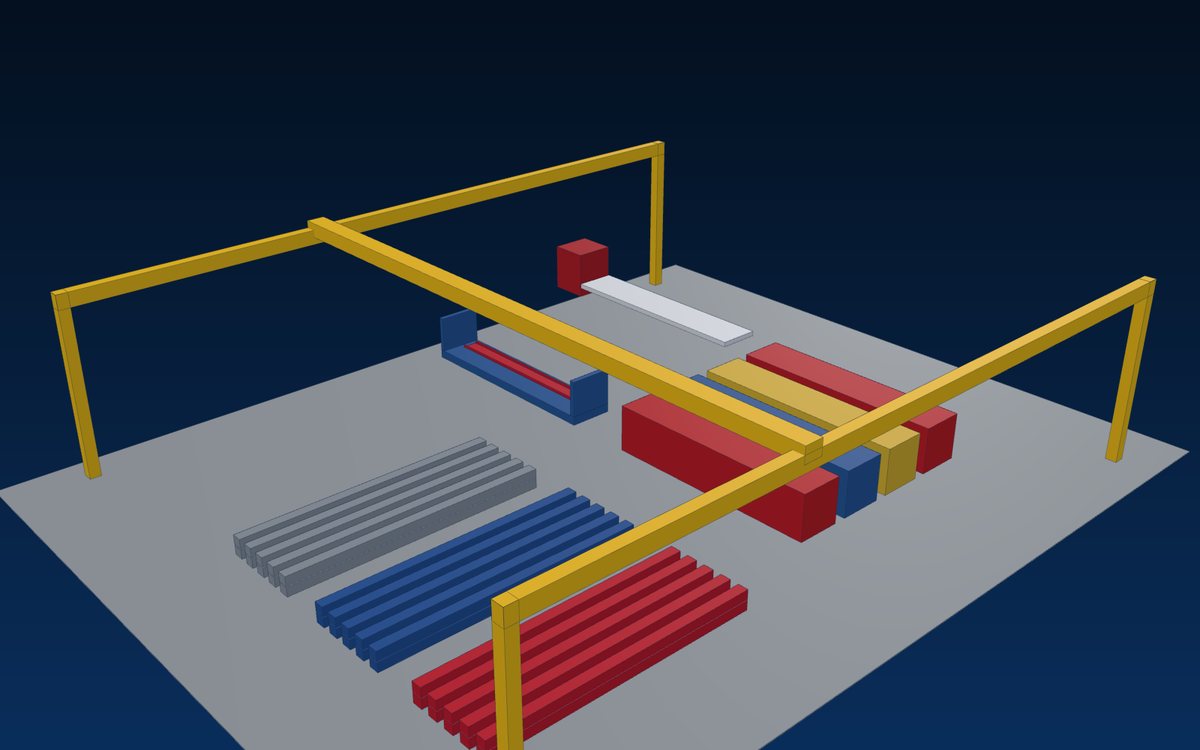
Replacement members and accessories fabricated from the project model and shipped to site.
 new bays · cranes
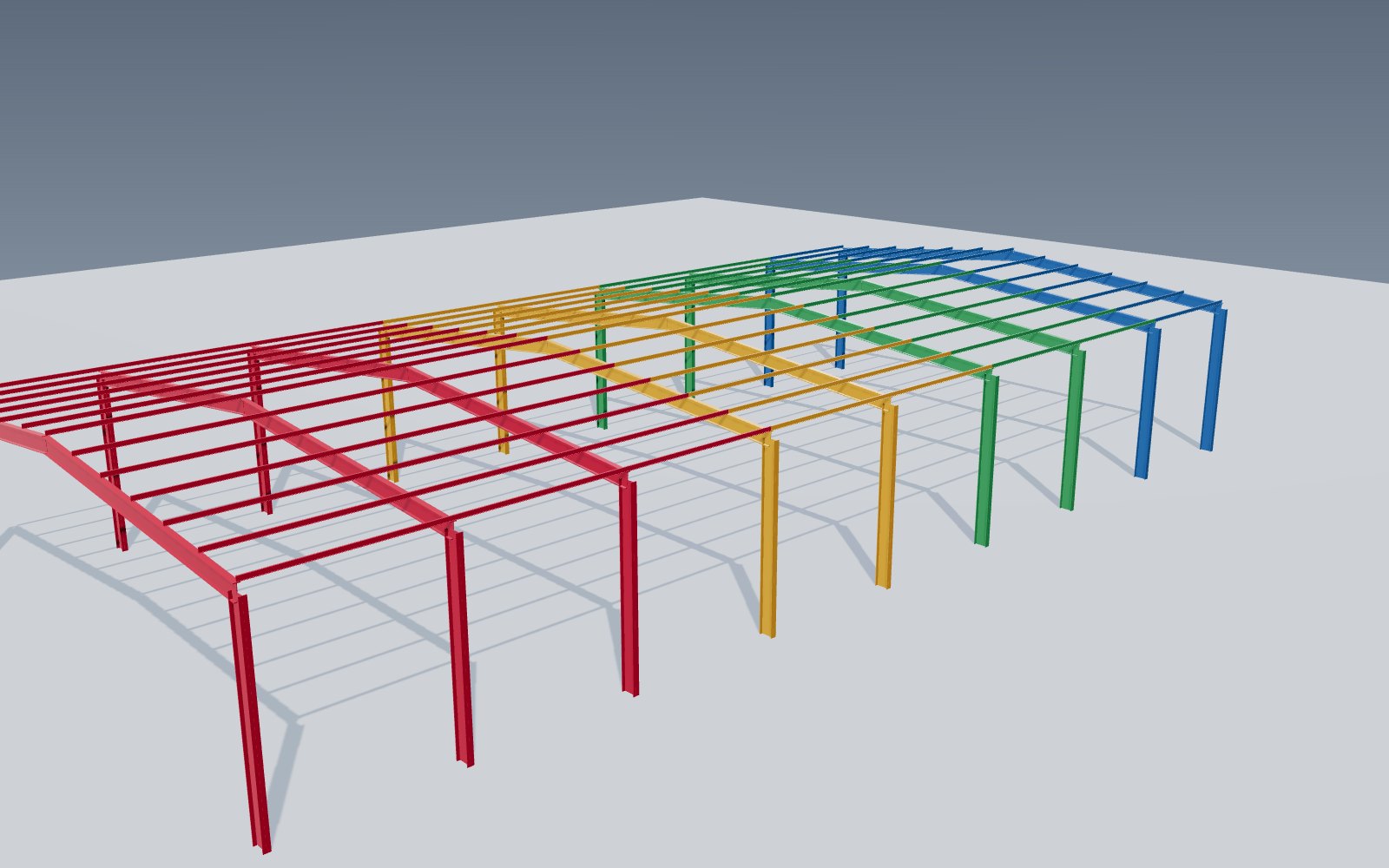
Extra bays, mezzanines, cranes or new buildings designed to work with the existing structure.
적용 분야
Look up the warranty of your project online with your project code and contract number.
Issues reported to our after-sales team are logged, answered and followed through to closure.
As-built drawings, model and quality dossier on file – traceable to the heat of each member.
New openings, loads or equipment checked against the original design before they are made.
Replacement members fabricated from the project model with the same piece marks.
New bays and buildings designed to connect to the existing structure.
On file
Handed over at completion and kept on file by World Steel.
Final revision
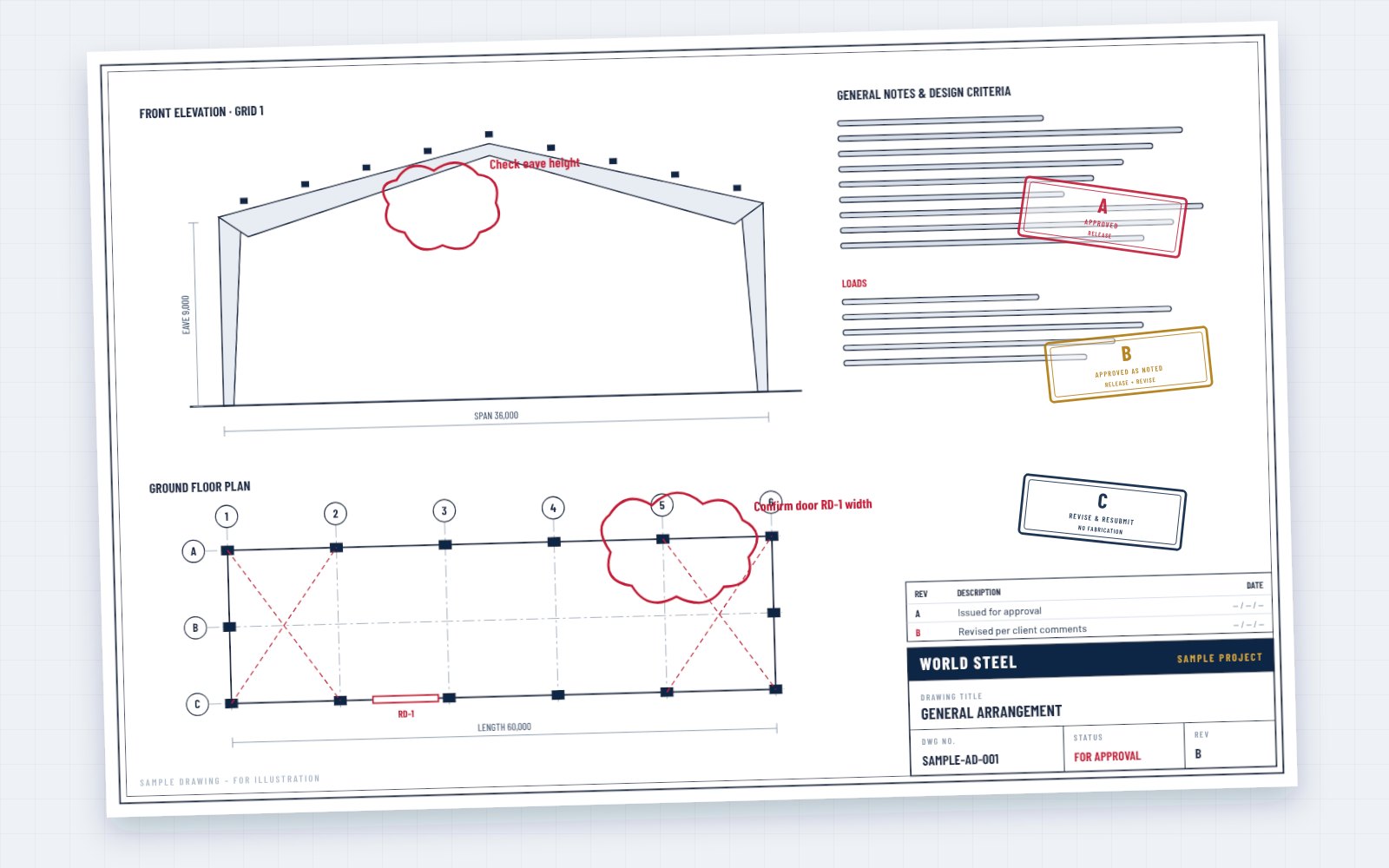
Drawings updated with approved site changes.
Tekla / IFC
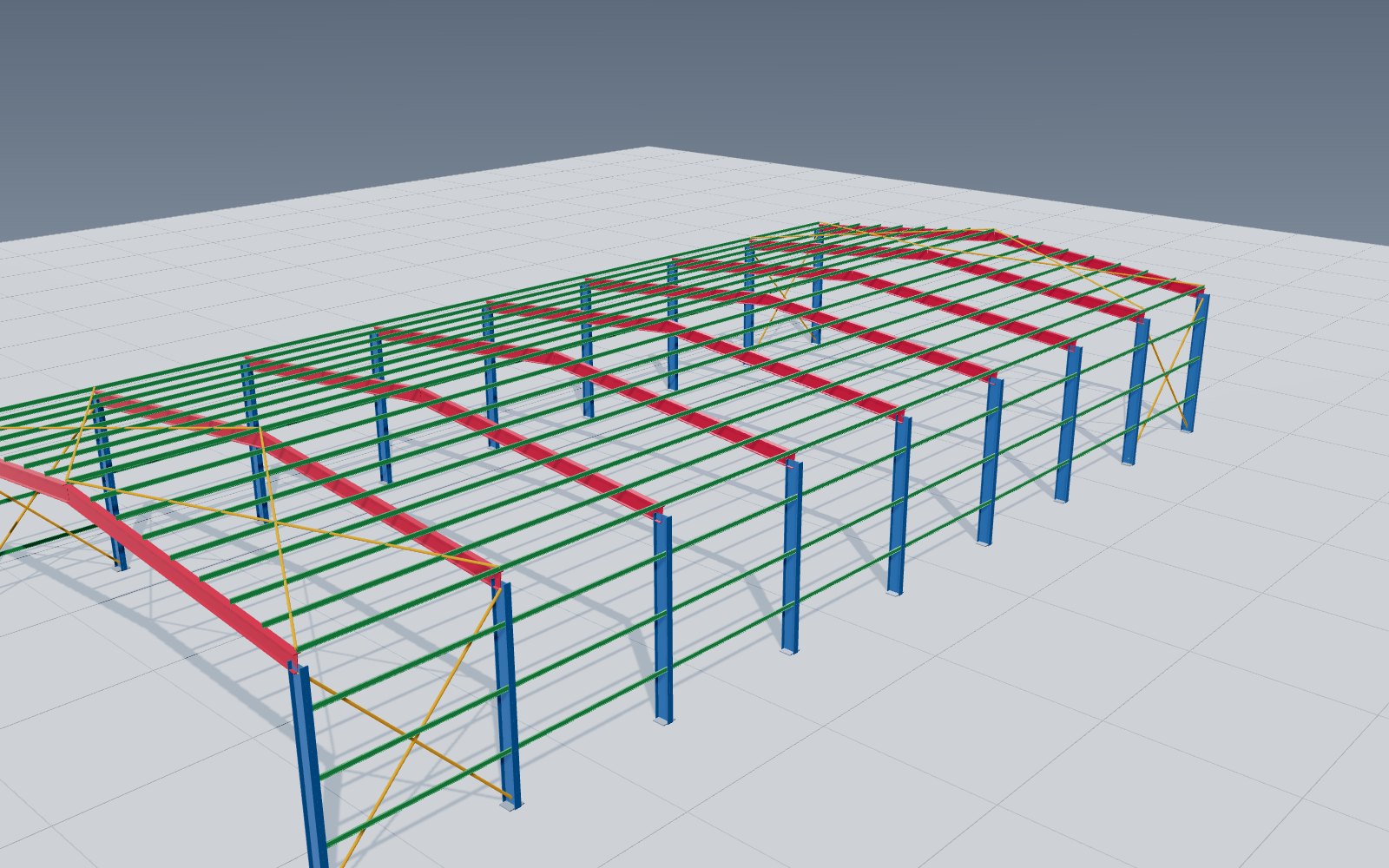
The model of the structure as built.
Traceability
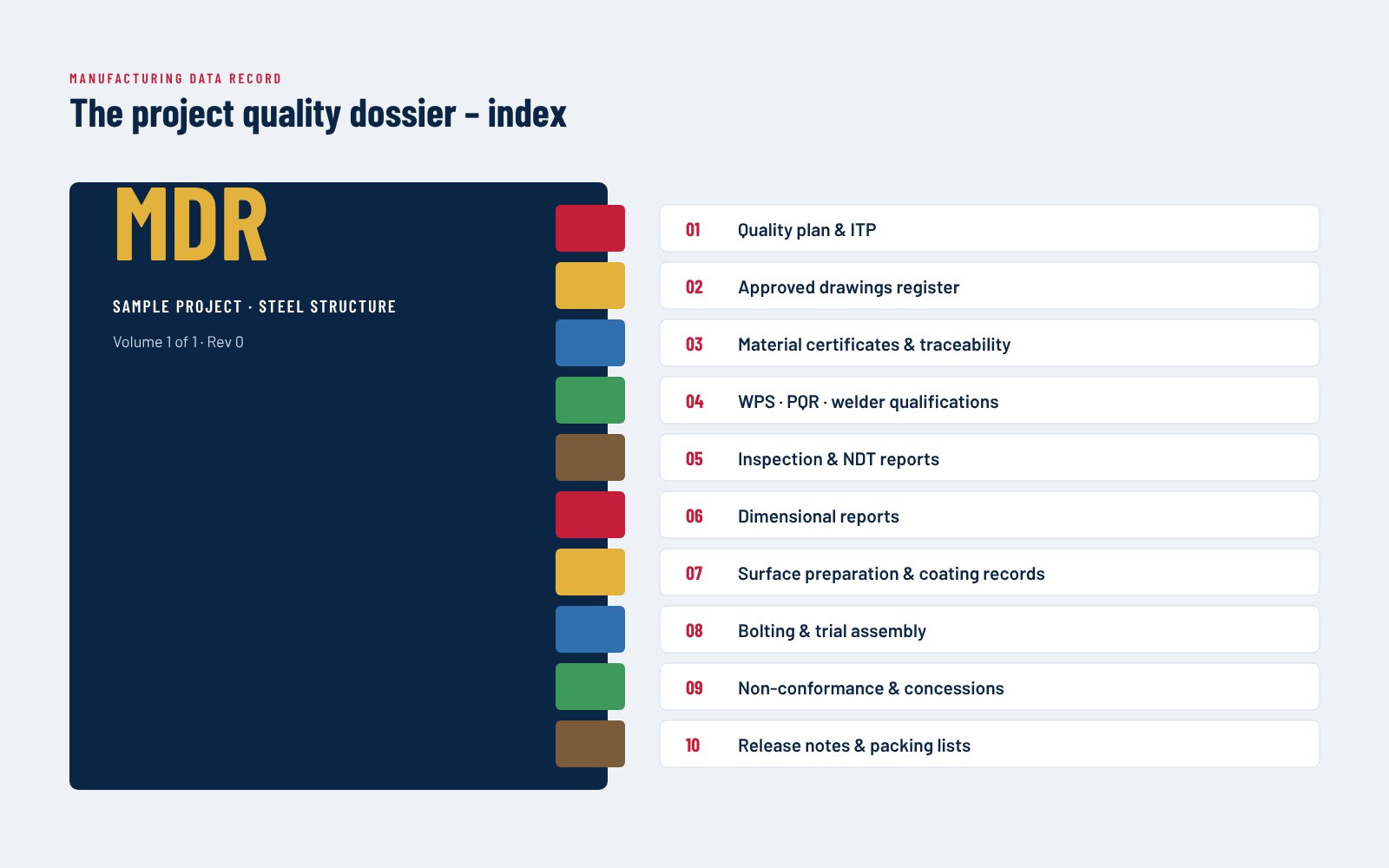
Mill certificates, inspection, NDT and coating records.
Per contract
Elements covered, periods and conditions.
Logistics
Packing lists and shipment documents.
Operation
Recommendations for coating, bolts, roof and gutters.
Contents follow the contract and specification.
Warranty lookup
Enter your project code, contract number, country and company name in our warranty lookup to see the elements covered and their warranty periods as stated in your contract. The details are also in the warranty information sent with your handover documents – if anything is unclear, contact the sales manager responsible for your project.
Records
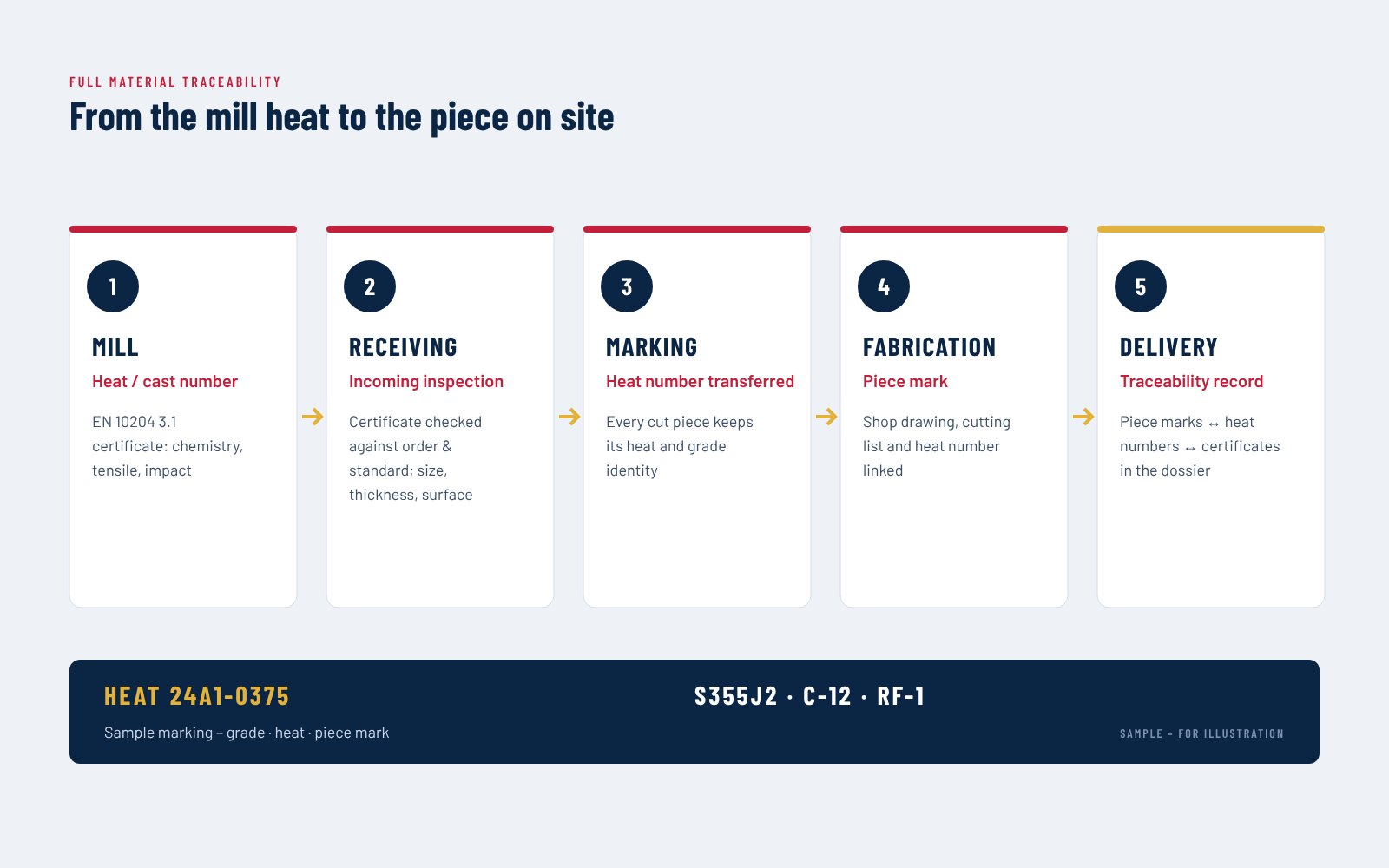
Each member carries a piece mark linked to its drawings, inspection records and mill certificate. When you report an issue or plan a change, we start from the as-built drawings and the quality dossier – so the assessment is based on what was actually built and supplied.
프로세스
Send the project code, a description and photos of the issue.
The request is registered and acknowledged by the after-sales team.
Checked against the as-built record, dossier and warranty.
Remedy, responsibility and timing agreed with you.
Repair, replacement or supply carried out.
Result recorded in the project file.
FAQ
Warranty periods and conditions are those stated in your contract, element by element. Check them in the warranty lookup or in the warranty information sent with your handover documents.
Check the project code and contract number in your documents or e-mail, or contact the sales manager responsible for your project.
Yes. Members are fabricated from the project model with the same piece marks; shipping and any charges are agreed with you.
Yes. We check the change against the original design and, if needed, design the strengthening or the new members.
Yes. New bays or buildings are designed from the as-built record so that they connect to the existing structure.
Send us your project code and a short description – our after-sales team will come back to you.