 ENEnglish
 VITiếng Việt
 ZH中文
ZH中文 KO한국어
KO한국어 JA日本語
JA日本語 FRFrançais
 ITItaliano
 PTPortuguês
 ESEspañol
 HEעברית
 ARالعربية
 final revision
As-built drawings
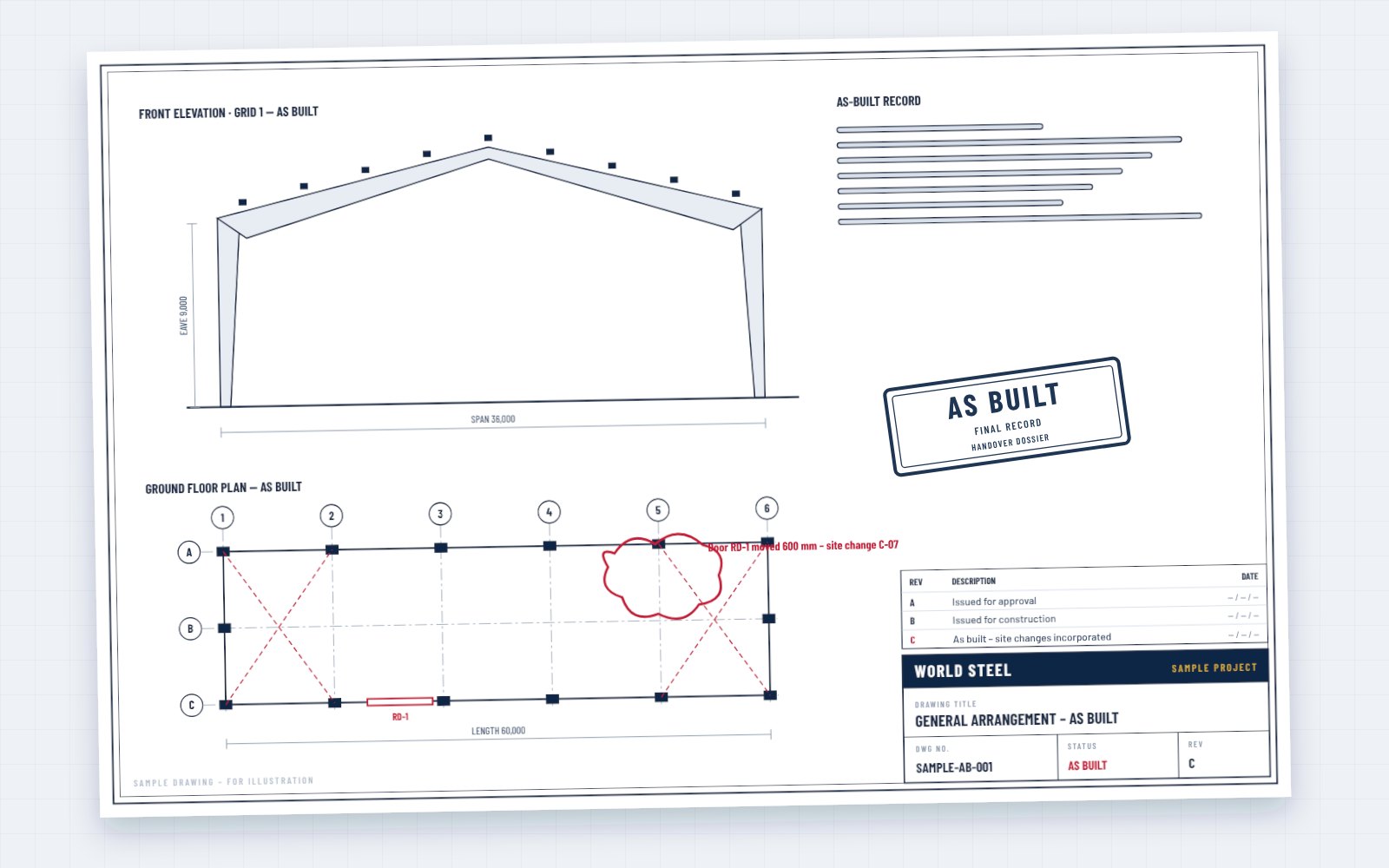
General arrangement, framing plans and sections with site changes incorporated.
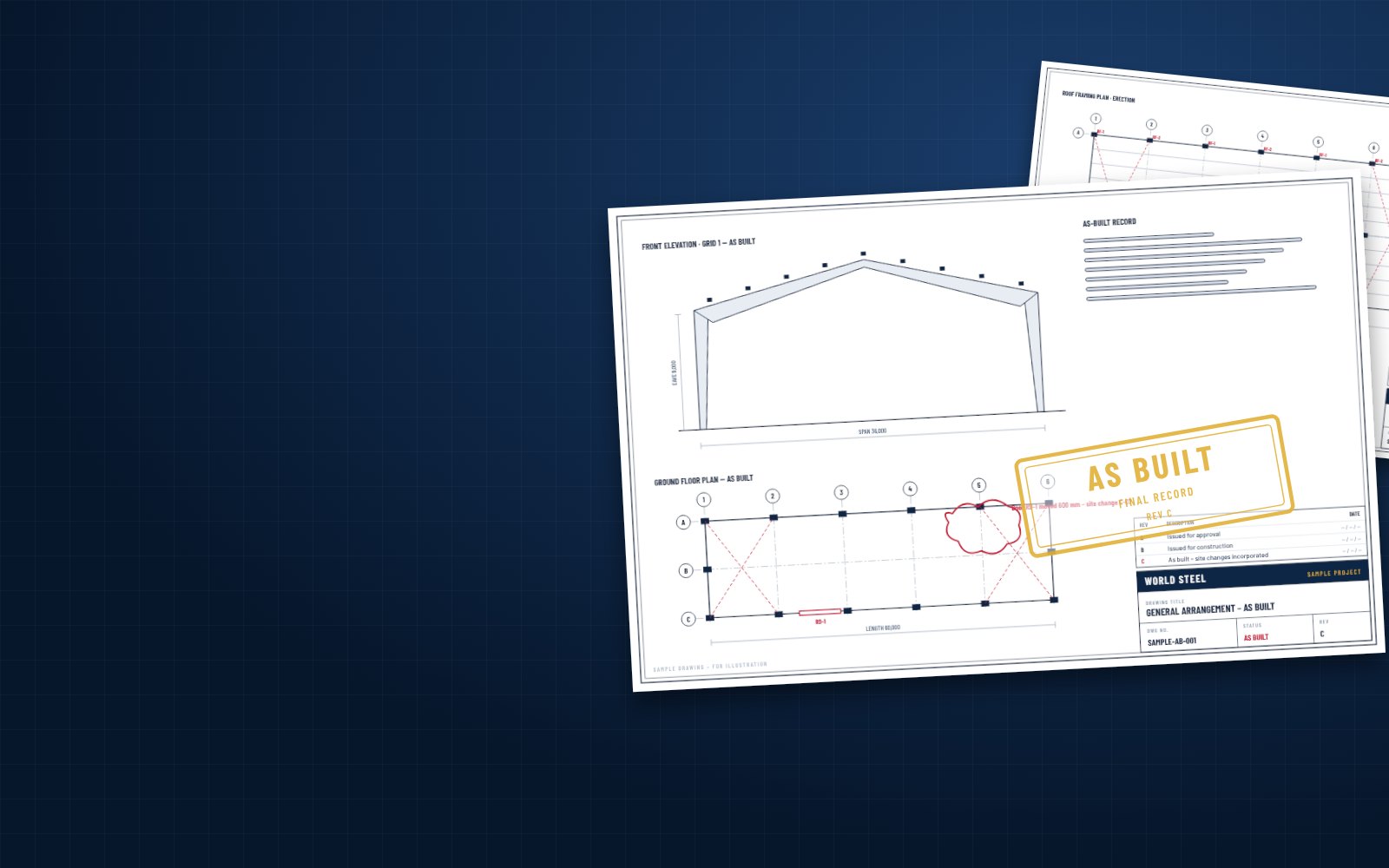
Design workflow · As-built drawings
At handover we issue the as-built drawings: the structure as it was actually built, with every approved site change incorporated, together with the 3D model and the quality dossier – the reference for operation, maintenance, certification and future expansion.
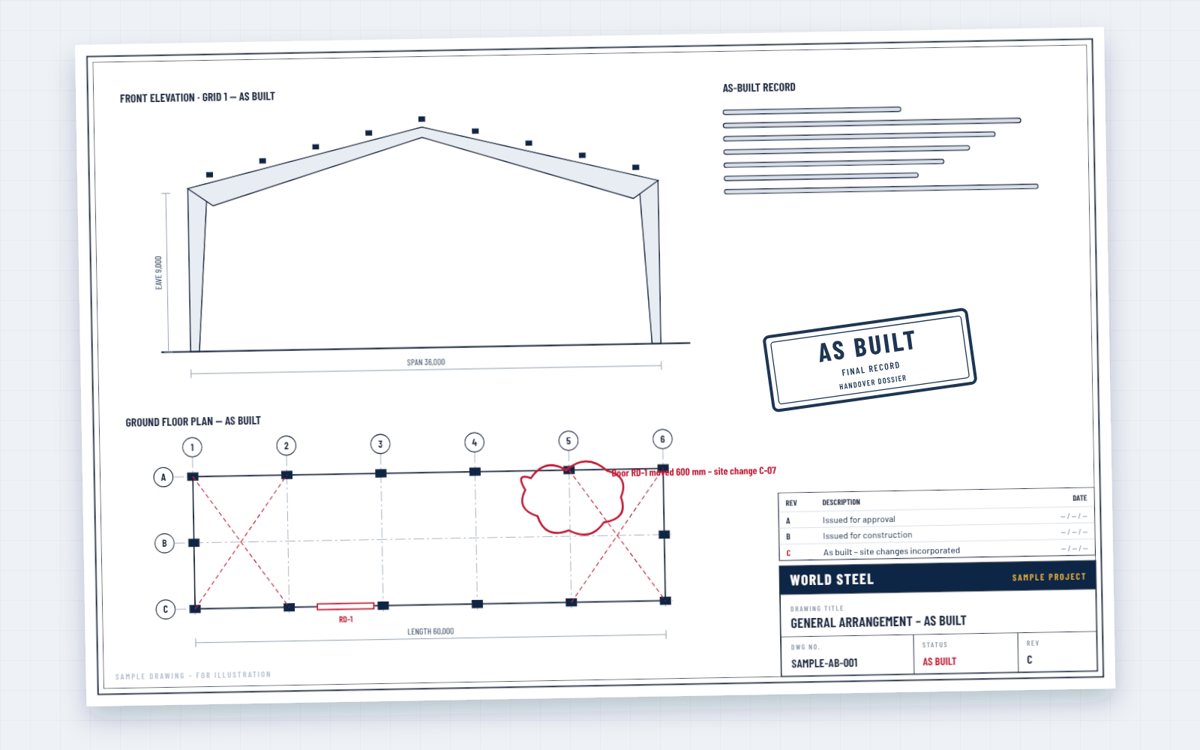
No project is built exactly as first drawn: anchor bolts are adjusted, openings move, details change after site queries. As-built drawings close the loop – every approved change is incorporated, clouded and listed in a final revision, so the drawings describe the structure that actually stands.
Owners use them for maintenance and inspection, for building certification and insurance, and as the starting point for every future modification or expansion.
Contents
Delivered at handover.
final revision
General arrangement, framing plans and sections with site changes incorporated.
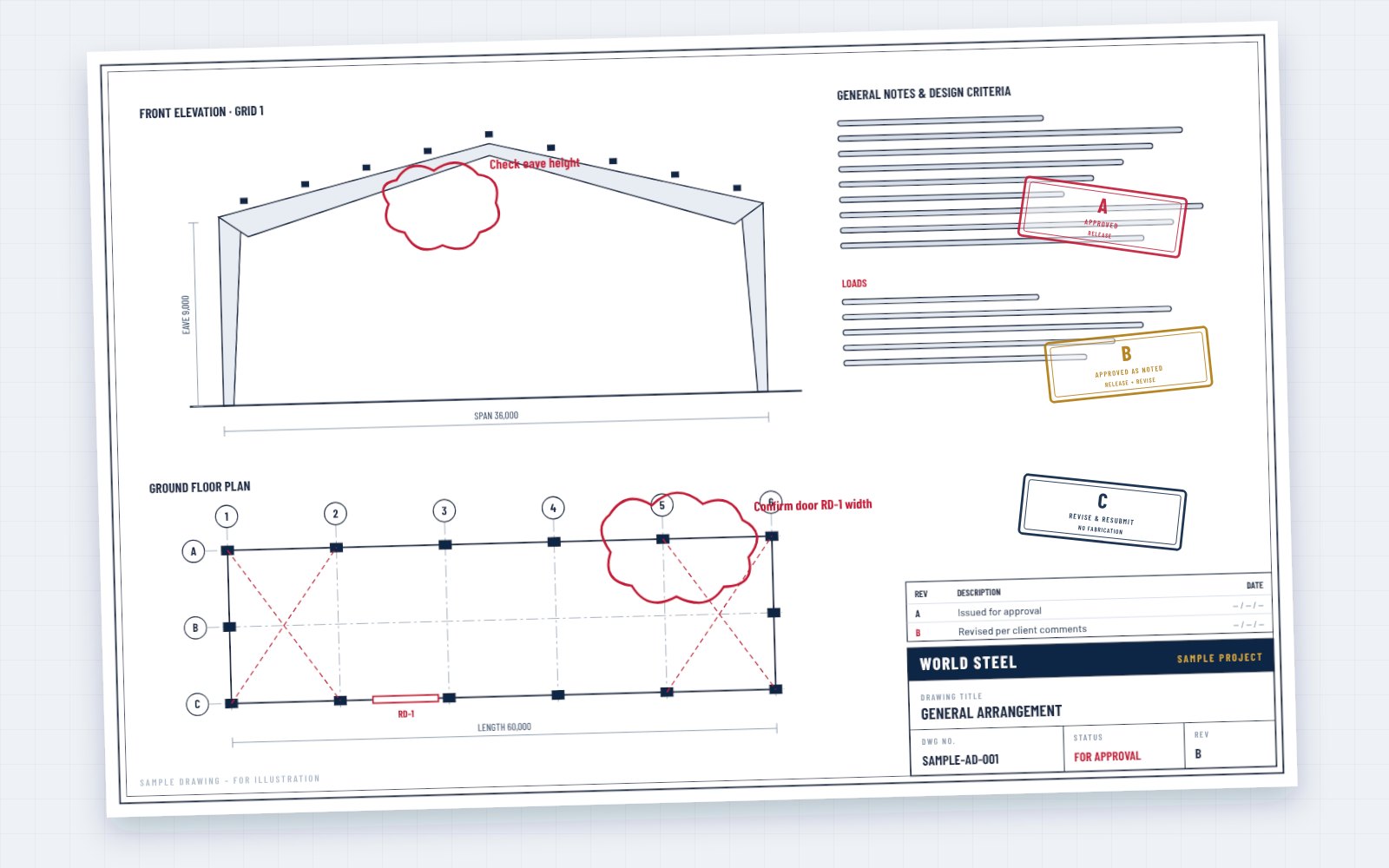 RFIs · variations
List of site queries, changes and concessions and where they appear.
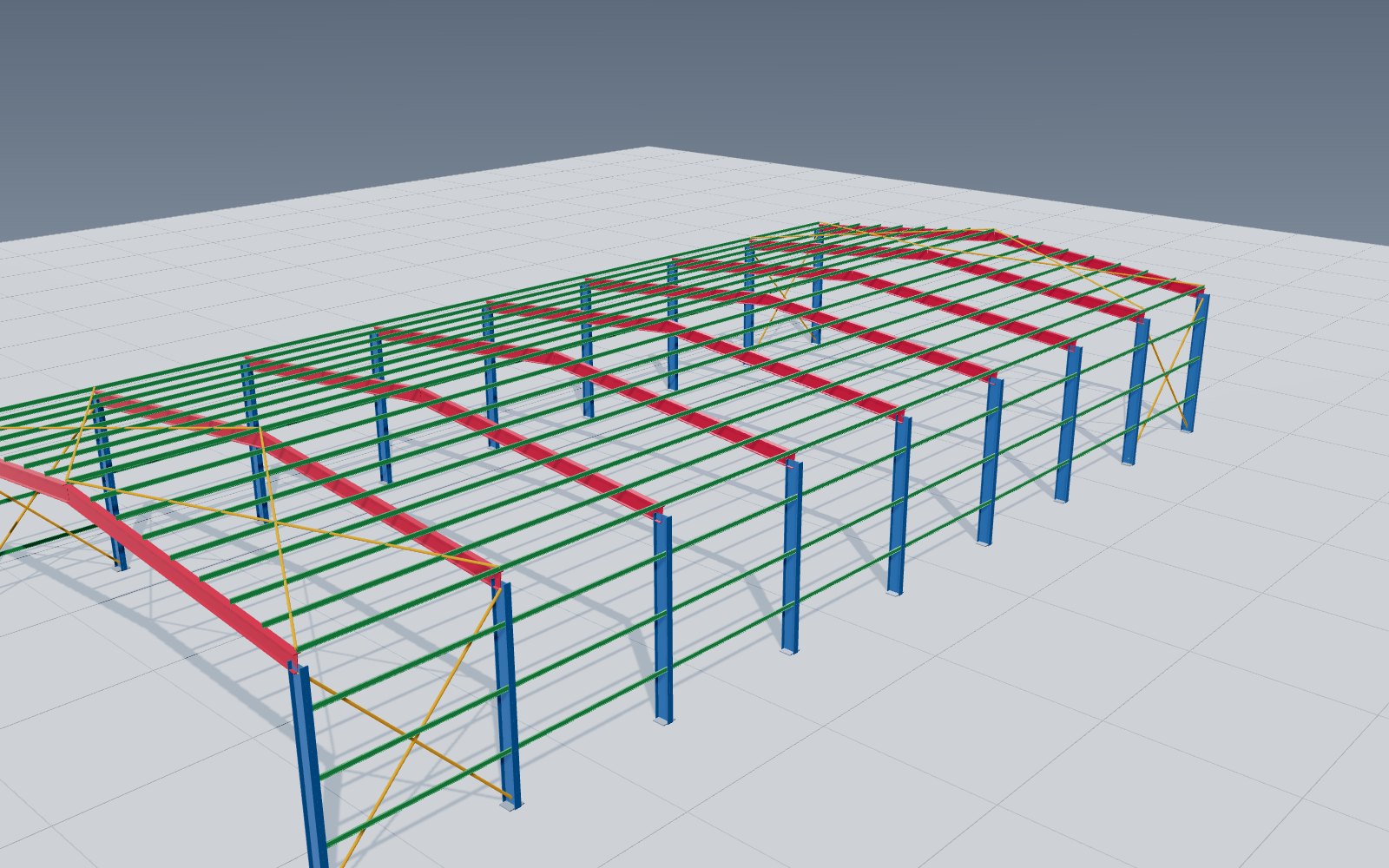 IFC
IFC
Model updated with the as-built changes, exported as IFC on request.
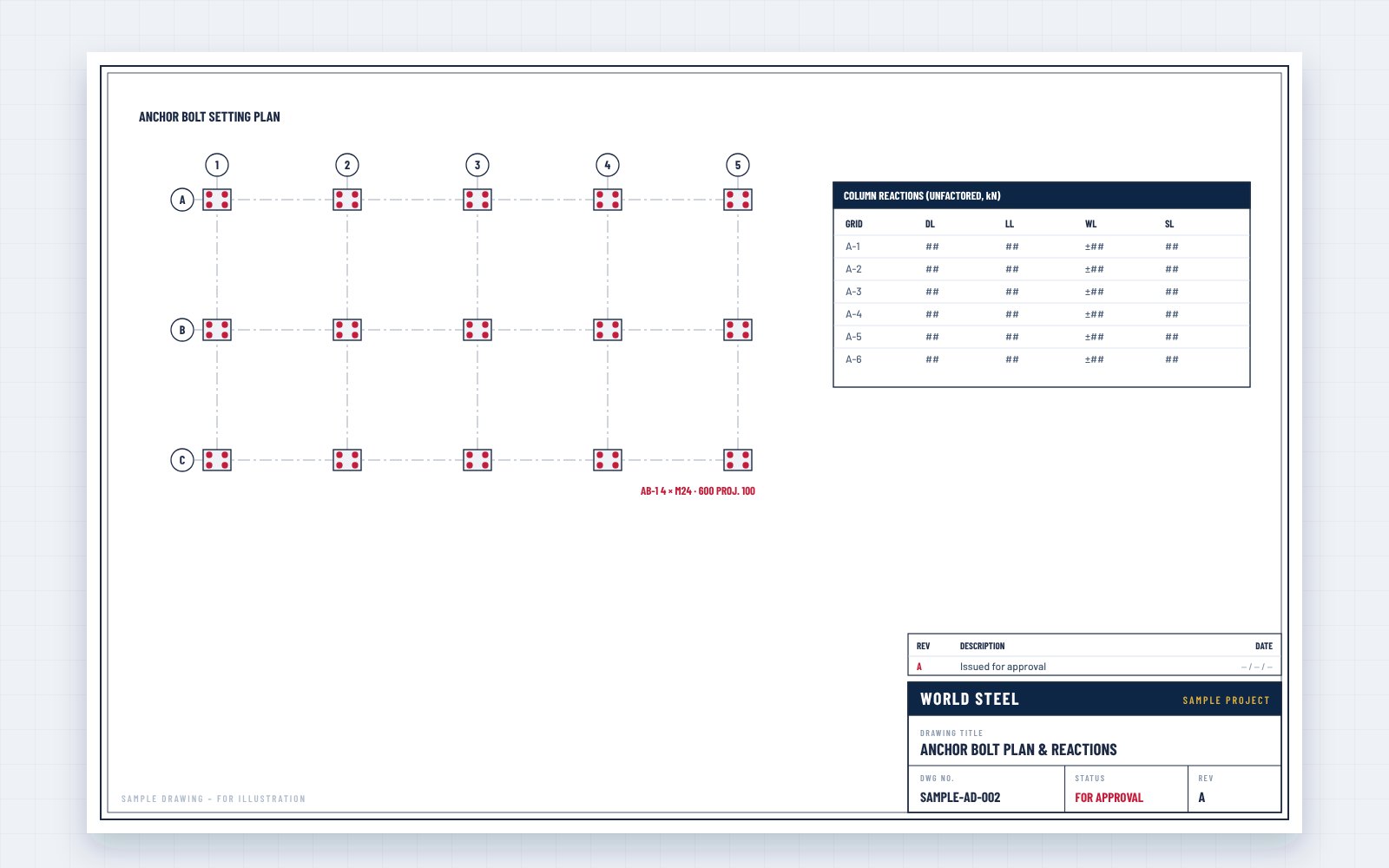 foundations
Recorded positions where the survey differs from design.
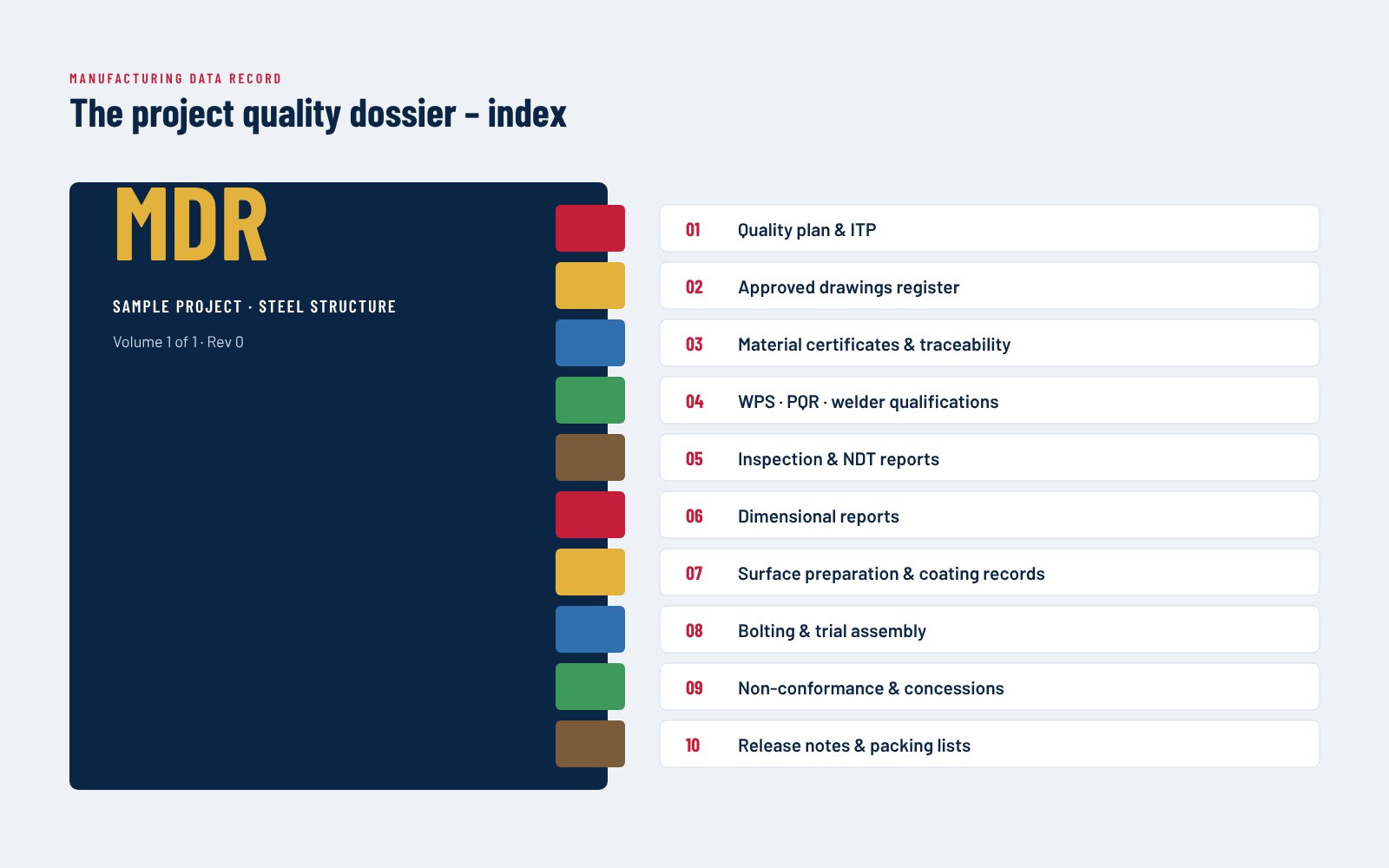 MDR
MDR
Certificates and inspection records – see quality control.
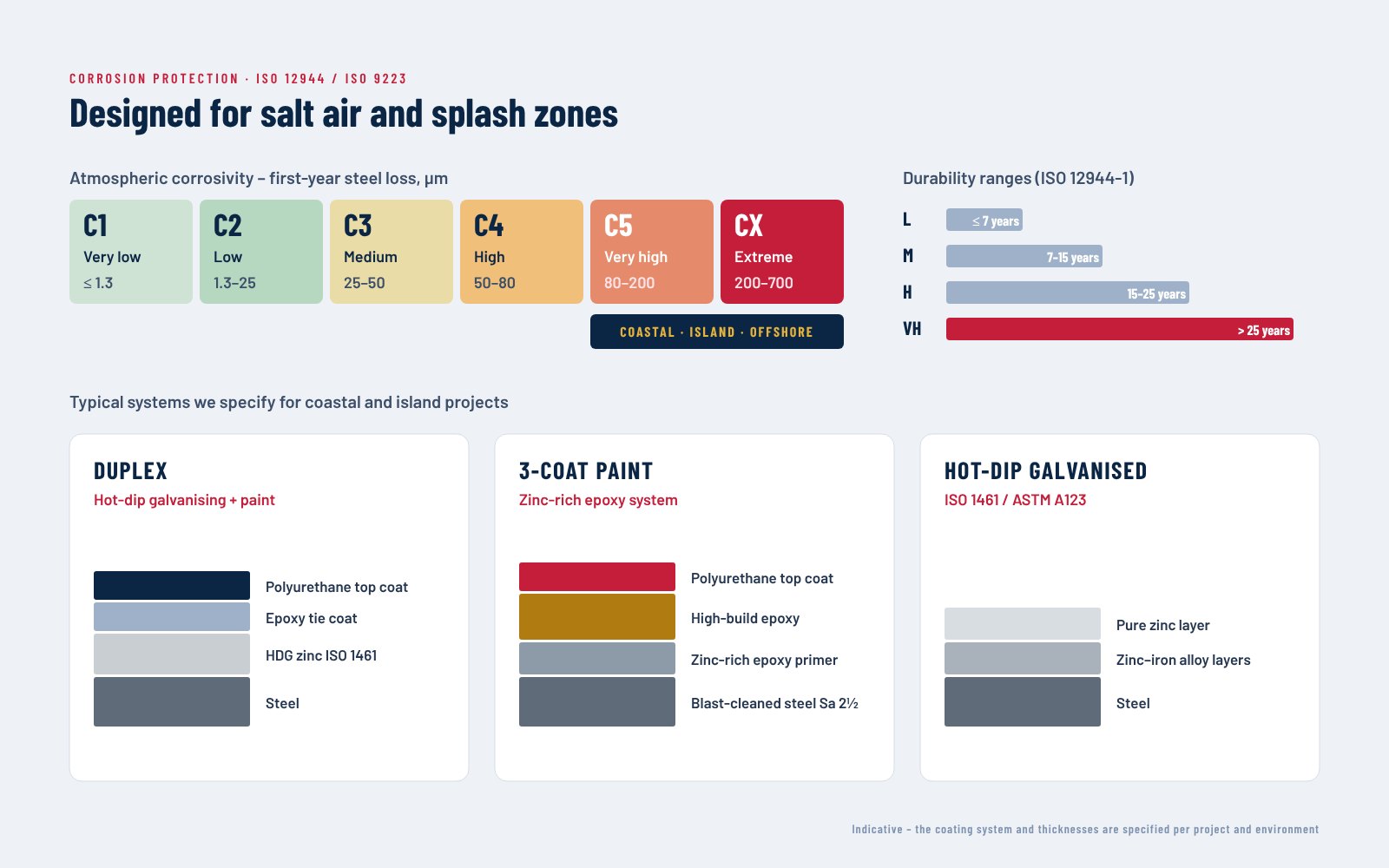 O&M
O&M
Coating system, bolt inspection and maintenance recommendations.
Applications
Drawings that match the structure, not the original intention.
New openings, loads or extensions designed on reliable information.
Members, coatings and bolts identified for inspection and repair.
Documentation for authorities, insurers and future buyers.
Piece marks connect to certificates and inspection reports.
The next phase starts from accurate drawings and the model.
Design workflow · step 6 of 6
As-built drawings are step 6 – the last step of our design workflow. They start from the erection drawings (step 5) and the 3D model (step 3), updated with every approved site change.
Le processus de conception World Steel
Point d'arrêt après l'étape 2 : rien n'est fabriqué avant l'approbation des plans d'approbation.
Processus
Layout, sections and preliminary quantities issued with the quotation.
Approval drawings, design report and column reactions – approved before fabrication.
Every member, plate, bolt and weld modelled and clash-checked.
Assembly and part drawings, CNC data and material lists.
Plans, sections, sequence and bolt lists for site.
Final record of the structure as built.
FAQ
At handover, after erection is complete and site changes have been confirmed.
Changes are recorded during erection through site queries, approvals and our supervisors' reports, and incorporated by our detailers.
Yes – an IFC export of the as-built model can be included in the handover package.
Tell us your handover requirements – drawings, model and dossier are planned with the project.